

Description
Roblox Gift Cards can only be redeemed in a browser at Roblox.com/redeem. The gift cards can't be redeemed in the Roblox mobile app or any video game console.
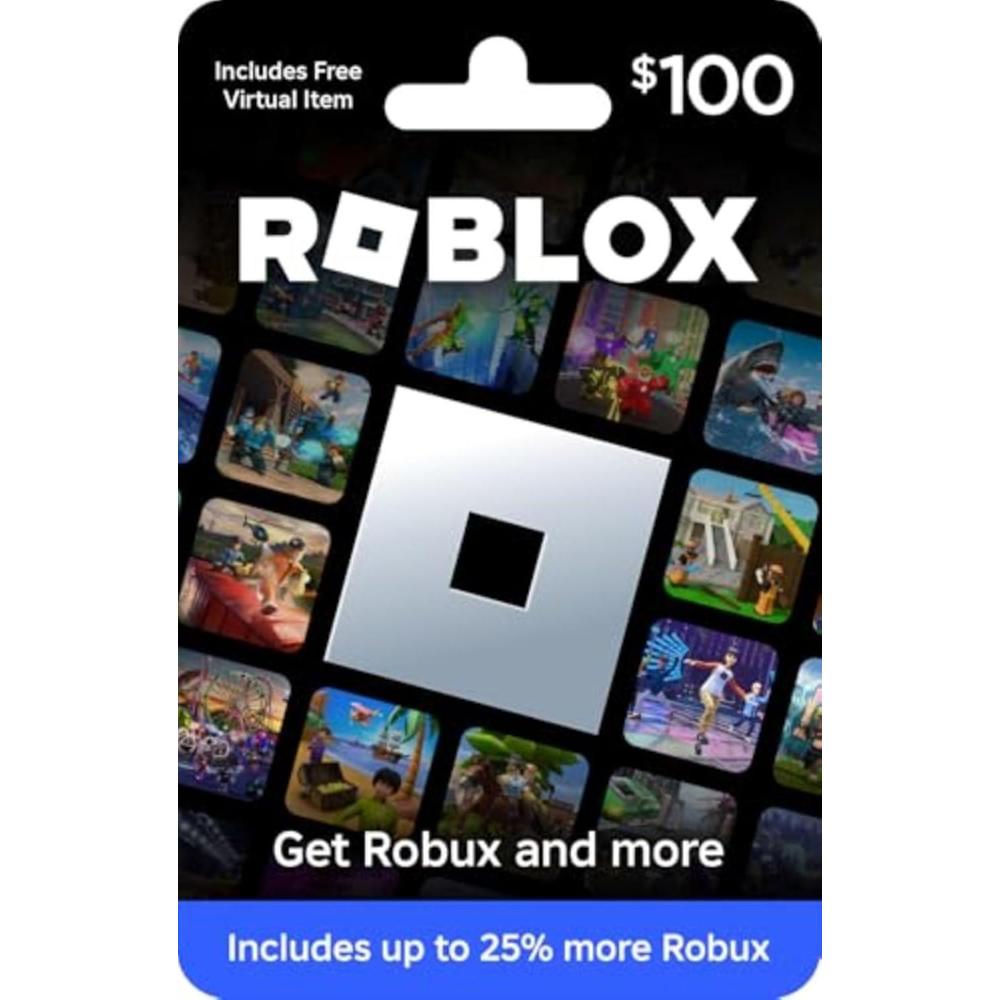
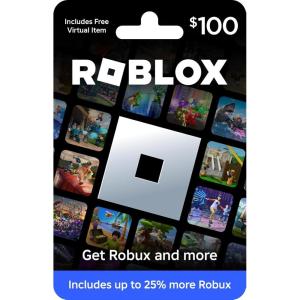
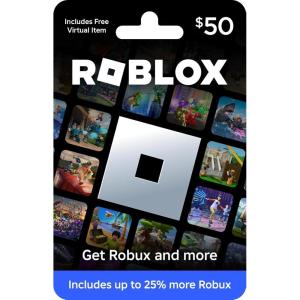
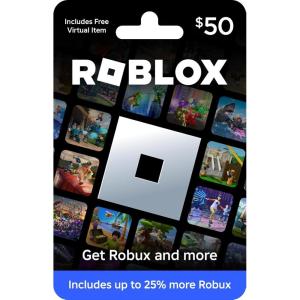
Deck out your avatar and unlock additional perks in your favorite experiences when you use Roblox Gift Cards to purchase Robux (Roblox's virtual currency).
Get exclusive access to virtual items, a monthly Robux stipend, and more by redeeming your gift card for a Roblox Premium subscription. Each gift card grants a free virtual item upon redemption.
This item is not eligible for refund, resale, or return.
No fees will be applied to the gift card after purchase (including dormancy, service or other fees). Funds do not expire but your gift card may have a ‘valid thru’ date. If funds remain after this date has passed, please call Roblox customer service for a replacement card.
Do not provide any card or account details (example: Gift Card Number, Expiration Date, or CVV) to someone you do not know or trust. There are a variety of scams in which fraudsters try to trick others into paying with gift cards. Double check websites before entering details online. To make sure customers are aware of potential scams that may involve asking for payment using gift cards, click on the ‘Be Informed’ tab above to learn more.
Roblox is a global platform where every day millions of people come together to explore, chat, and hang out in millions of immersive 3D experiences created by the community. Roblox Gift Card Redemption Instructions: 1. Go to Roblox.com/redeem from your browser 2. Log in or sign up for a new account 3. Find your PIN and enter it on the website 4. Spend your credit of Robux and More!
Reviews
There are no reviews yet.